Retained Client Versions and the Desktop Shell Expand How Teams Can Deploy MdWrk
MdWrk introduces retained client version delivery and a desktop shell track, giving teams more control over rollout pacing, install shape, and long-lived workspace adoption.
What this means for teams
Teams can now plan around:
- browser delivery with retained client versions
- installable desktop packaging
- stronger release identity through versioned build outputs
Usage references
Build example
npm run build:client
npm run build:desktop
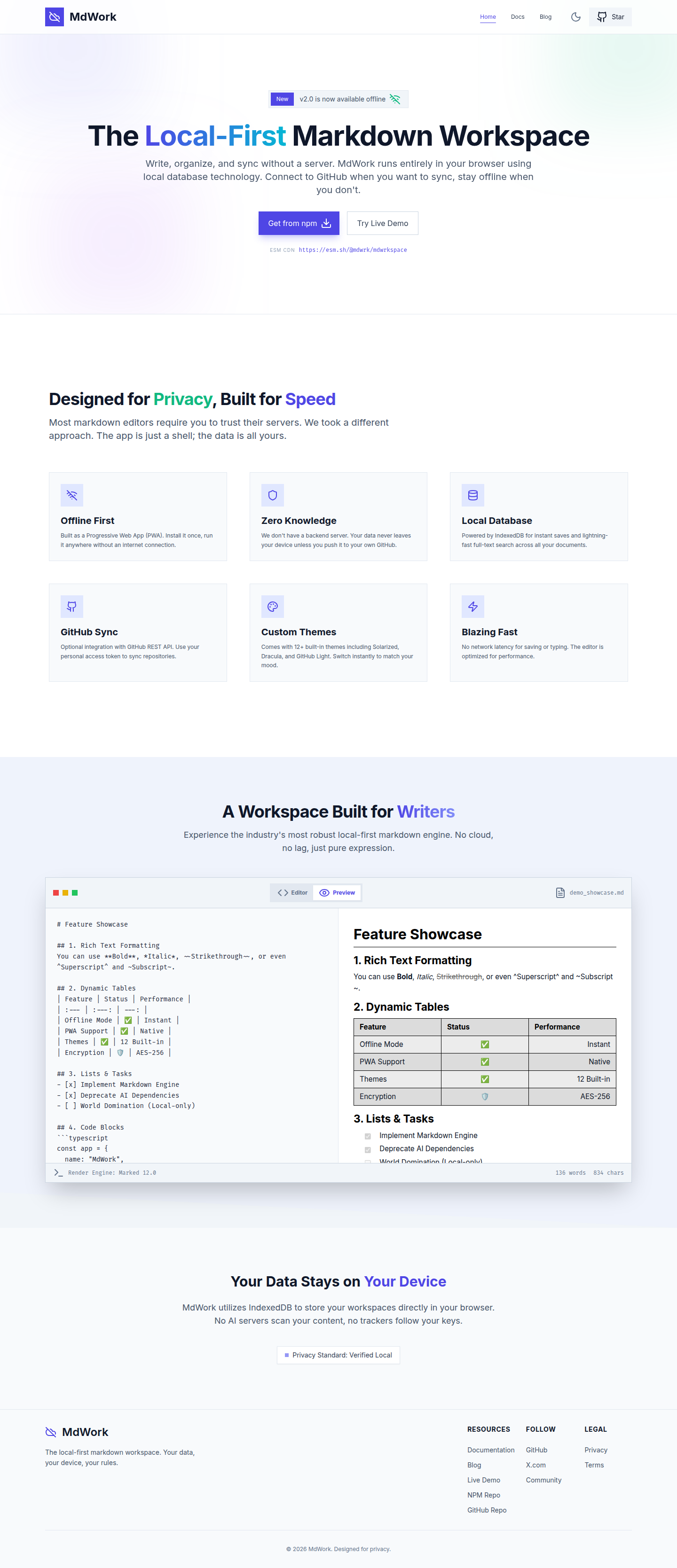
Screenshot
Why this milestone matters
Deployment flexibility matters for teams that want browser-first use, desktop packaging, or self-managed hosting. April 12 shows MdWrk growing into a platform that can support all three with one codebase.